Edit multicamera podcasts in minutes, not hours.

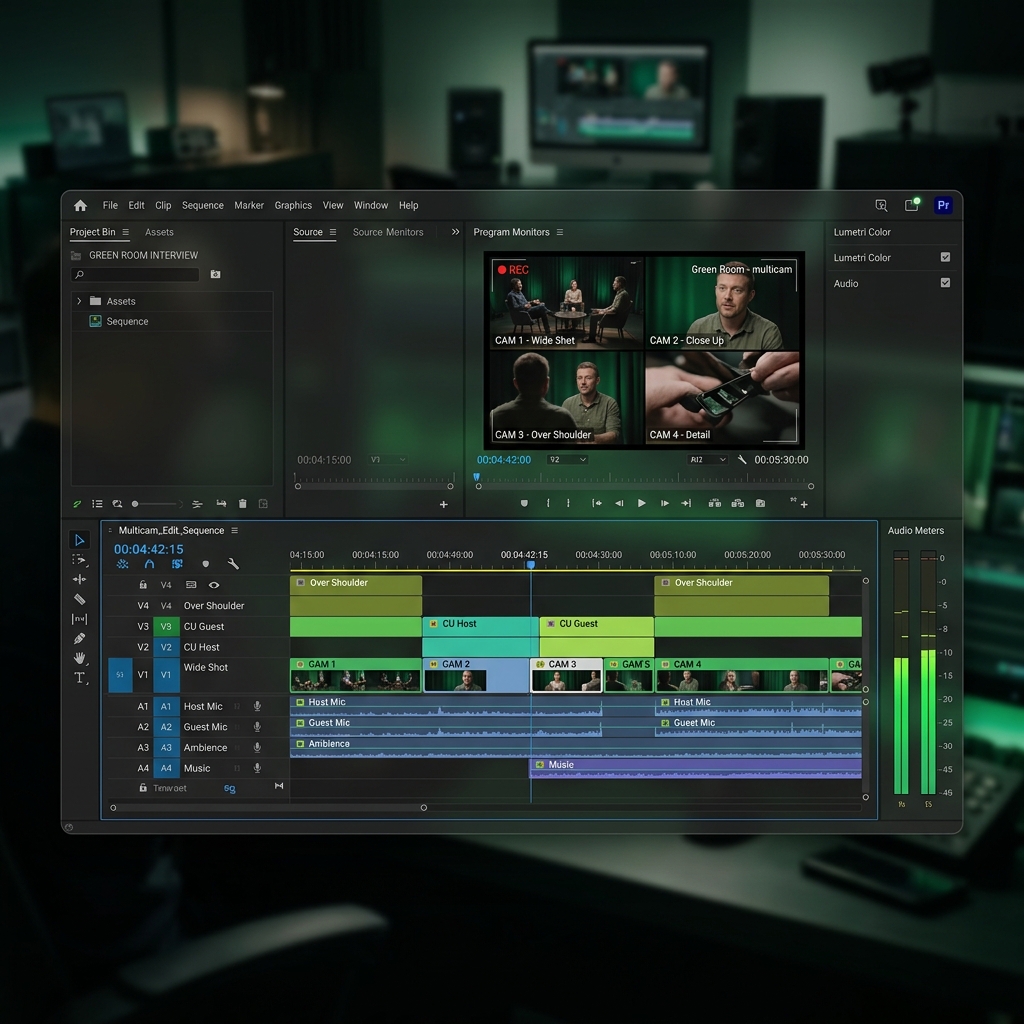
Podcast Multicam Studio detects who’s speaking, switches cameras automatically, and builds an editable multicam sequence directly inside Adobe Premiere Pro.

Start 7-Day Free Trial Watch Full Demo

Built for Adobe Premiere Pro · Fully editable results · Local processing

Save hours on every episode

Stop choosing every camera cut manually. Let the plugin build the first edit for you.

Automatic speaker detection

Podcast Multicam Studio analyzes separate microphone tracks and identifies the active speaker.

Editable Premiere Pro timeline

The result is created directly inside your sequence, so every cut remains fully editable.

Clean or creative editing

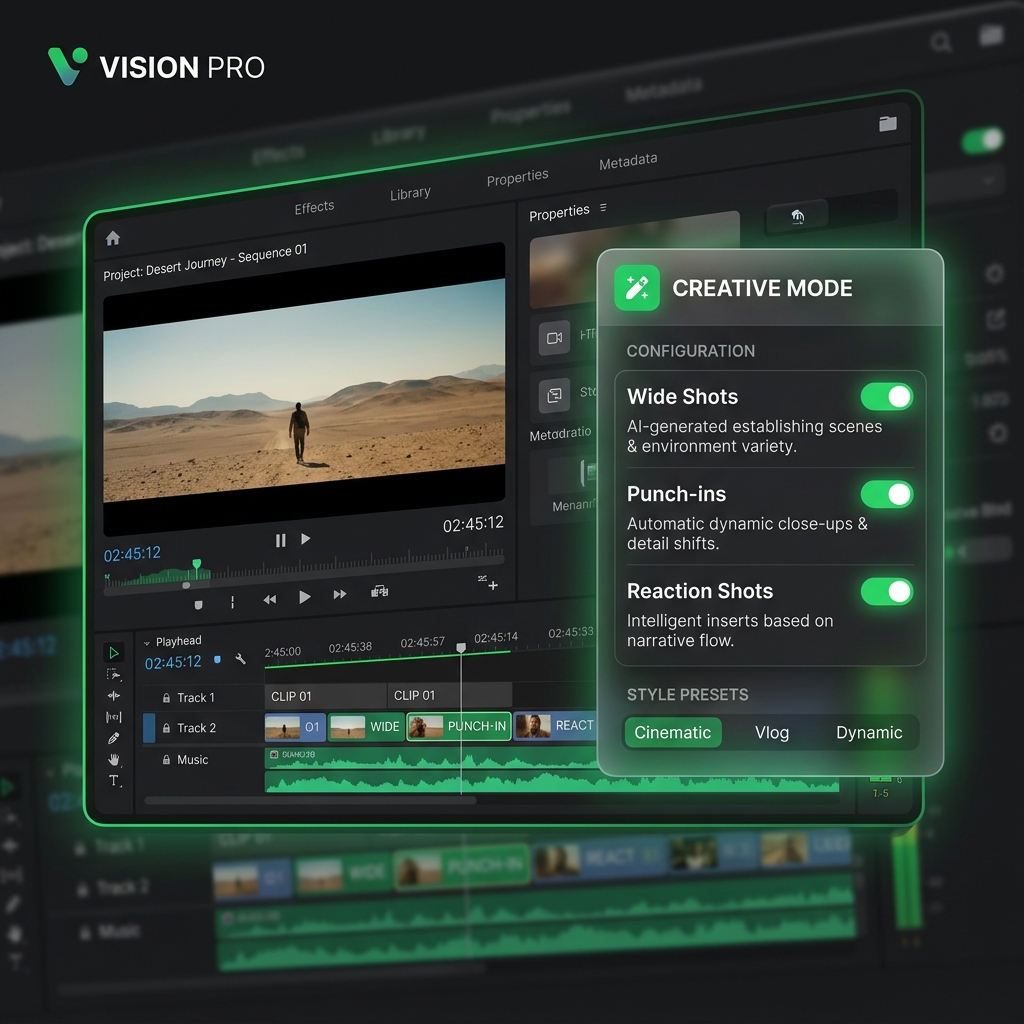
Choose between professional Clean Cut editing or more dynamic camera changes, wide shots, and punch-ins.

How Podcast Multicam Studio Works

1

Prepare your sequence

Synchronize your cameras and place each microphone on a separate audio track.

2

Assign speakers and cameras

Choose which microphone belongs to each speaker and connect it to the corresponding camera.

3

Choose your editing style

Select Clean Cut for a simple professional edit, or Creative Mode for more dynamic camera changes.

4

Run the plugin

Podcast Multicam Studio detects the active speaker and creates the camera cuts directly inside Premiere Pro.

5

Review and export

Make any final creative adjustments, then export your finished episode.

Watch Podcast Multicam Studio in Action

See the complete workflow, from a synchronized multicamera sequence to an automatically edited Premiere Pro timeline.

CLEAN CUT

A simple, professional edit focused on the active speaker.

  • Active speaker camera selection
  • Natural camera changes
  • Clean professional pacing
  • Fully editable cuts

CREATIVE MODE

A more dynamic edit with additional camera variety.

  • Wide shots
  • Punch-ins
  • Dynamic camera changes
  • More visual variation
Creative Mode options
Active speaker detection Microphone bleed handling Multicamera editing Wide shot insertion Punch-ins Separate microphone track analysis Local processing Editable Premiere Pro sequence
Compatibility and Requirements

Supported Systems

  • macOS (Intel & Apple Silicon)
  • Windows
  • Adobe Premiere Pro 2022 and newer

Recording Requirements

  • Supports up to 10 cameras
  • Supports up to 10 speakers/microphones
  • Cameras and audio must be synchronized
  • Each speaker must have a separate microphone track for accurate speaker detection.

From Hours of Manual Editing to a Ready-to-Review Timeline

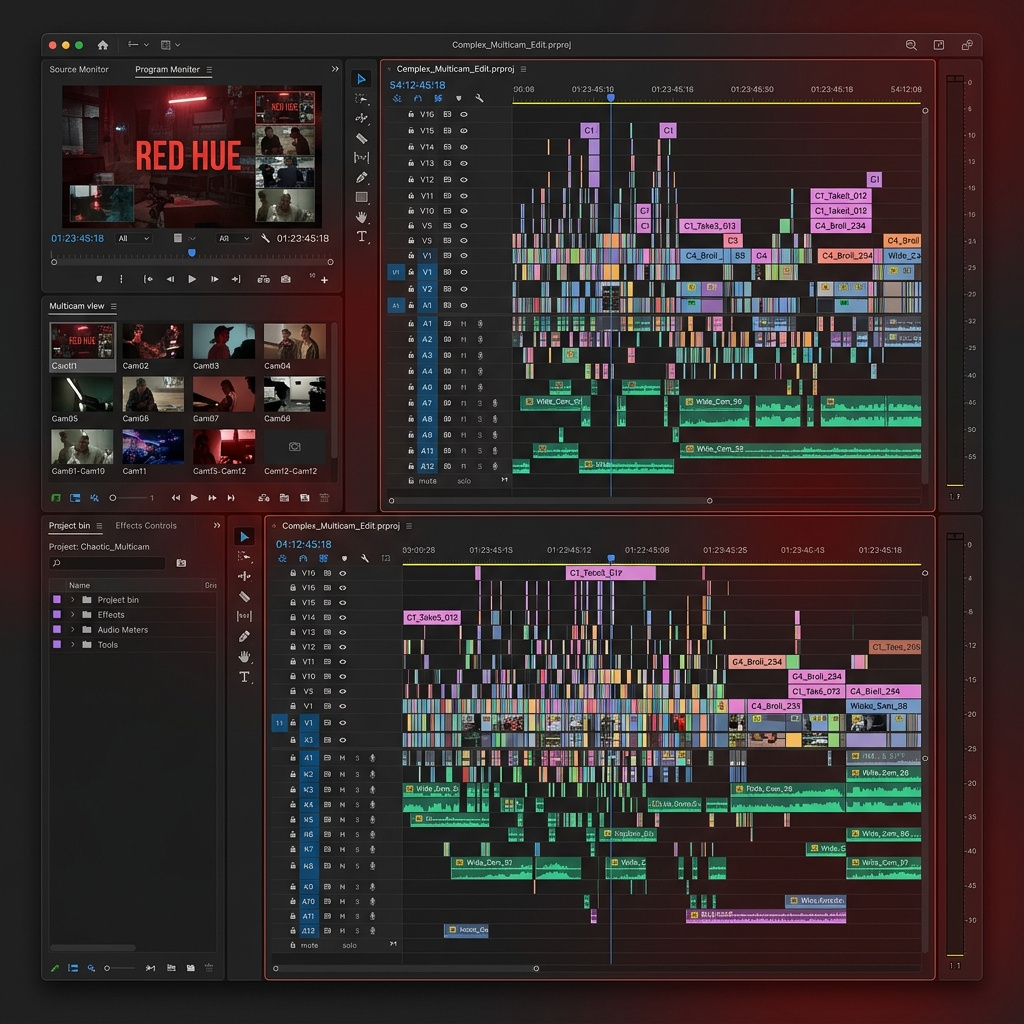
BEFORE

  • Manual camera selection
  • Repeatedly checking who is speaking
  • Adding cuts one by one
  • Manually creating wide shots and punch-ins
  • Hours of repetitive editing
Messy multicamera edit in Premiere Pro

AFTER

  • Automatic speaker detection
  • Camera cuts created in Premiere Pro
  • Clean Cut or Creative Mode
  • Fully editable sequence
  • More time for final creative decisions
Perfectly edited clean timeline

Choose Your Plan

Monthly Plan

$6.90/month

Billed monthly

  • Full license for 1 device
  • All future updates included
  • Direct email support
Start 7-Day Free Trial
BEST VALUE

Annual Plan

$49.90/year

Billed $49.90 annually (Save 40%)

  • Full license for 1 device
  • All future updates included
  • Direct email support
Start 7-Day Free Trial

Payment method required. No charge today. Cancel before the trial ends to avoid being billed.

Secure checkout Cancel anytime

Built for Real Podcast Editors

Podcast Multicam Studio was created to eliminate one of the most repetitive parts of multicamera podcast editing: manually selecting the correct camera for every speaker.

info@multicamautoedit.pro

Frequently Asked Questions

Stop Editing Every Camera Cut Manually

Let Podcast Multicam Studio build the first edit, then focus your time on the creative decisions that matter.

Start 7-Day Free Trial Watch Full Demo